Notice: Function _load_textdomain_just_in_time was called incorrectly. Translation loading for the bb-booster domain was triggered too early. This is usually an indicator for some code in the plugin or theme running too early. Translations should be loaded at the init action or later. Please see Debugging in WordPress for more information. (This message was added in version 6.7.0.) in /home/ae6ifiq8ujpv/public_html/wp-includes/functions.php on line 6260
Using a Button – All-Sports Soundboard
Deprecated: Function WP_Dependencies->add_data() was called with an argument that is deprecated since version 6.9.0! IE conditional comments are ignored by all supported browsers. in /home/ae6ifiq8ujpv/public_html/wp-includes/functions.php on line 6260

Deprecated: Function WP_Dependencies->add_data() was called with an argument that is deprecated since version 6.9.0! IE conditional comments are ignored by all supported browsers. in /home/ae6ifiq8ujpv/public_html/wp-includes/functions.php on line 6260

Notice: Function WP_Styles::add was called incorrectly. The style with the handle "contact-widgets-contact-block" was enqueued with dependencies that are not registered: . Please see Debugging in WordPress for more information. (This message was added in version 6.9.1.) in /home/ae6ifiq8ujpv/public_html/wp-includes/functions.php on line 6260

Notice: Function WP_Styles::add was called incorrectly. The style with the handle "contact-widgets-social-block" was enqueued with dependencies that are not registered: . Please see Debugging in WordPress for more information. (This message was added in version 6.9.1.) in /home/ae6ifiq8ujpv/public_html/wp-includes/functions.php on line 6260

Using a Button

Using buttons in Presentation Mode

The available functions for a button depend on it's current state.

Listed below are the available options for each state when Edit Mode is Disabled


GREEN - Button enabled, no track playing, no mapping issues, not in play queue
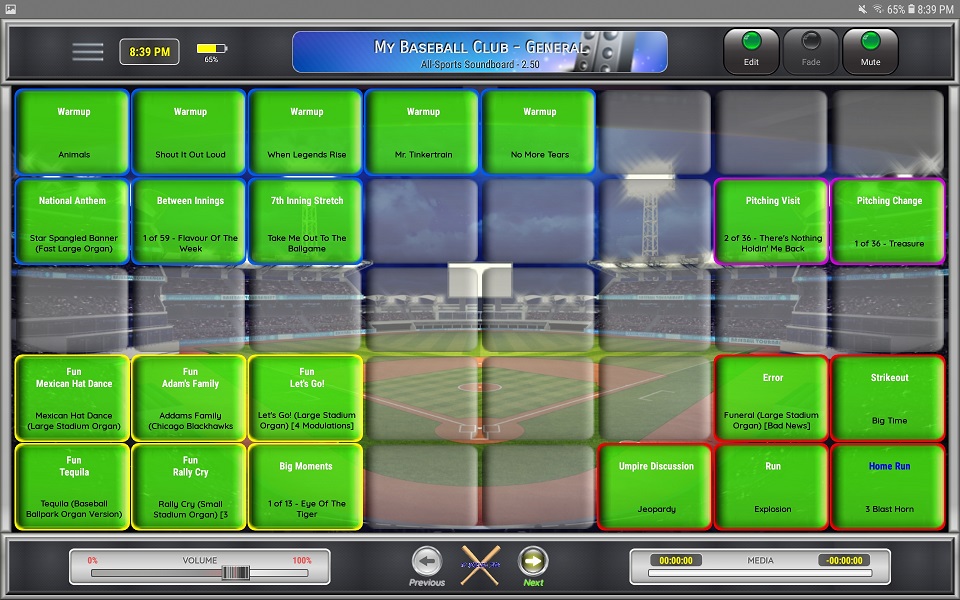
⚬ Long-Click (hold) the button to open the configuration screen

⚬ Click the button to start the audio


GREEN - Button enabled, other audio track playing, no mapping issues, not in play queue
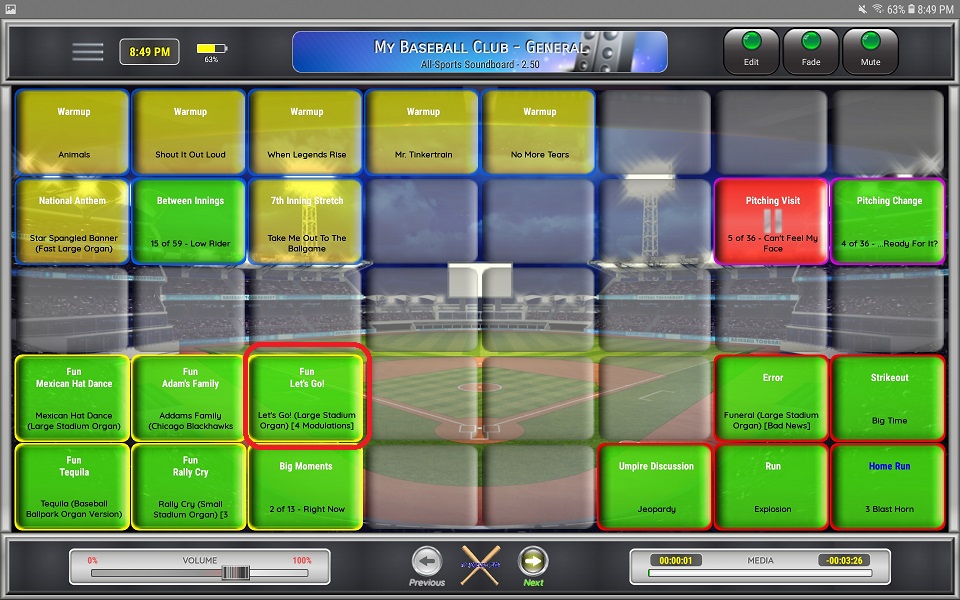
⚬ Long-Click (hold) the button to open the configuration screen

⚬ Single-Click the button to add it to the play queue

☆ When a button is added to the play queue, it is added to the end of the queue
☆ To remove a button from the play queue, click the button again
☆ To skip ahead to the next button/track in the play queue click the FADE button
☆ To re-order the play-queue, click each button as needed to add/remove them until they are in the required order

RED - Button enabled, is playing
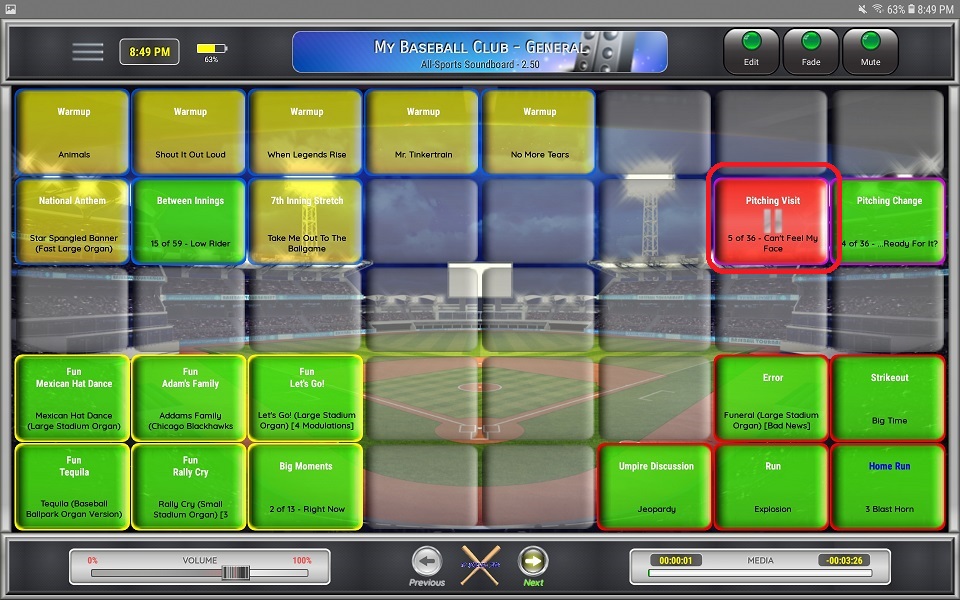
⚬ Click the button to stop the audio

☆ If you stop the active track, all buttons will be removed from the play queue. Click the FADE button to skip to the next play queue item.

⚬ Long-Click (hold) the button to pause or resume the track
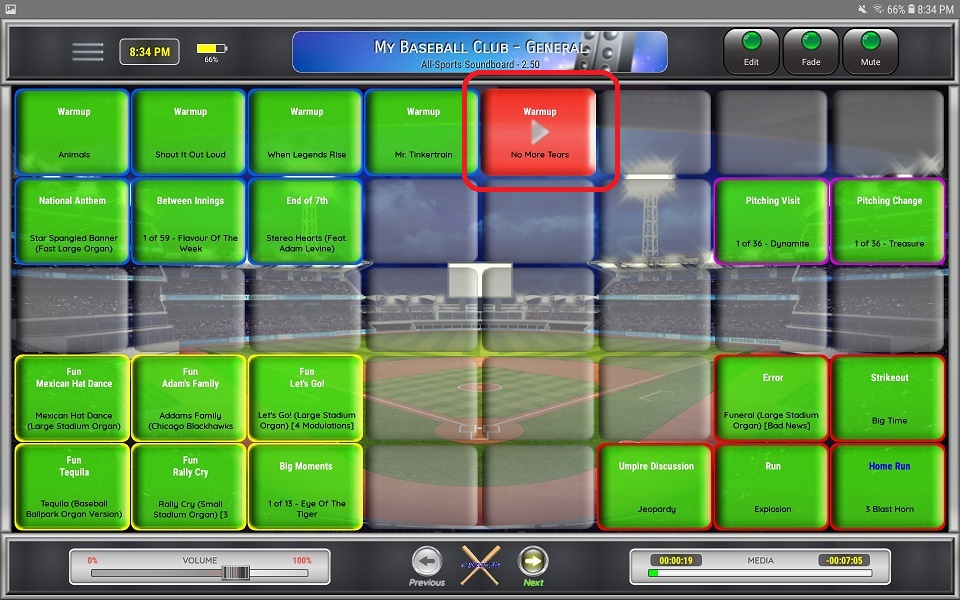

BLUE - Button enabled, other track playing, in play queue

⚬ Click the button to remove it from the play queue

☆ When you remove an item from the play queue, remaining play queue items are moved up in the queue, in the order they were added

⚬ Long-Click (hold) the button to open the configuration screen


GRAY - Button enabled, issues with button (playlist or audio mapping)
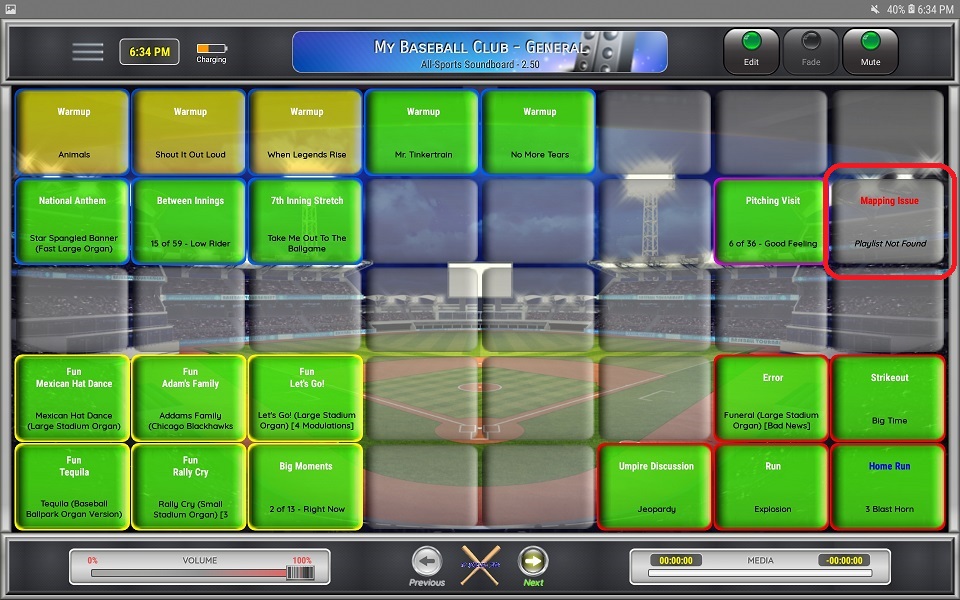
⚬ Dark Gray buttons have an issue. The error message is displayed on the button.

⚬ Long-Click (hold) the button to open the configuration screen


TRANSPARENT/GRAY - Button disabled
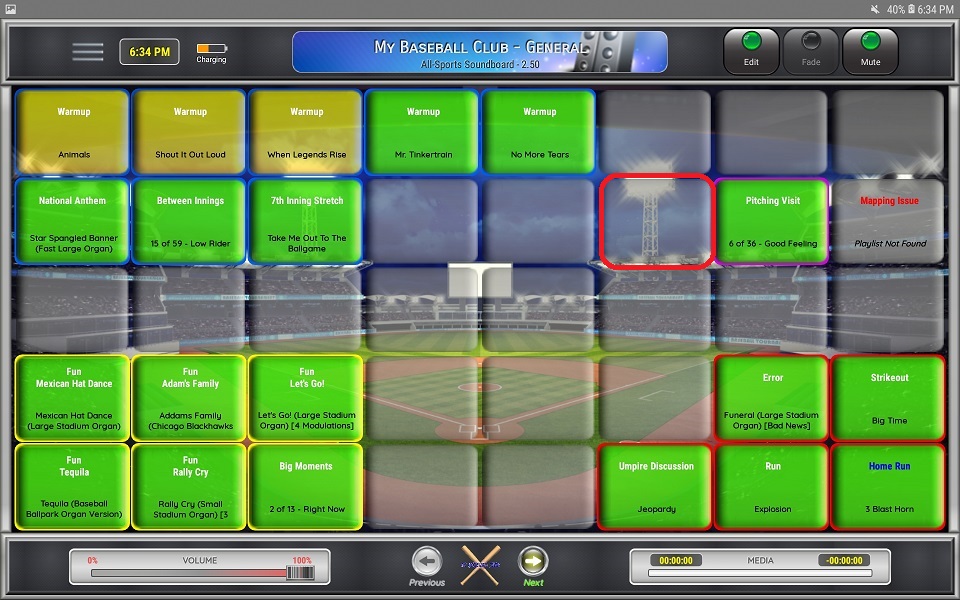
⚬ Long-Click (hold) the button to open the configuration screen